


Welcome to BestGaming.cloud, where gaming no longer requires a $2,000 PC. Cloud gaming has changed that equation entirely, letting you play demanding titles on devices that wouldn’t normally handle them. This site exists to help you navigate the cloud gaming landscape: which services actually work, what they cost, and whether they fit your situation.
What is Cloud Gaming?
Cloud gaming streams video games from remote servers directly to your device. Think of it like Netflix, but for games instead of movies. The actual game runs on powerful computers in data centers somewhere, while your device just displays the video and sends your controller inputs back.
This setup means your local hardware doesn’t need to be powerful. A basic laptop from 2018 can run Cyberpunk 2077 with ray tracing enabled because the processing happens remotely. Your device is essentially just a screen and input method.
The technology has existed for years but only recently became practical for mainstream use. Better internet infrastructure, improved compression algorithms, and expanded data center coverage made the experience smooth enough for regular gaming rather than just a neat tech demo.
The Streaming Component
Video and audio stream to you in real-time while you play. Your button presses and mouse movements travel back to the server, which processes them and sends updated video frames. This round trip needs to happen fast enough that you don’t notice delay between pressing a button and seeing results on screen.
Internet connection quality matters enormously here. Bandwidth determines video quality, while latency affects responsiveness. A stable 25 Mbps connection with low latency beats an unstable 100 Mbps connection every time for cloud gaming.
How Does Cloud Gaming Work?
When you launch a game through a cloud service, several things happen quickly. The service assigns you a virtual machine or dedicated hardware in their data center. That machine loads your game just like a local computer would. Once running, specialized software captures the video output and compresses it efficiently for streaming.
Your inputs travel through the internet to that remote machine. The game processes them normally, generates new frames, and those frames get compressed and sent back to you. This cycle repeats constantly (ideally 60 times per second or more for smooth gameplay).
Infrastructure Requirements
Cloud gaming companies maintain massive data centers filled with server-grade gaming hardware. These facilities need to be geographically distributed so users can connect to nearby servers. Distance directly impacts latency, making server proximity crucial for good experiences.
The infrastructure costs are substantial, which is why most cloud gaming services come from large tech companies or well-funded startups. Running thousands of gaming PCs 24/7 in climate-controlled facilities with redundant power and networking isn’t cheap.
Different services handle this infrastructure differently. Some use consumer GPUs in server racks, others use custom hardware designed specifically for streaming. The approach affects performance, cost, and ultimately what they can offer subscribers.
Devices and Accessibility
Cloud gaming works across more devices than traditional gaming ever could. Your options extend way beyond gaming PCs and consoles now.
Laptops and desktops from any manufacturer work fine as long as they have decent internet connectivity. Operating system barely matters. Windows, Mac, Linux, Chrome OS all support cloud gaming through apps or web browsers. That old MacBook Air gathering dust can suddenly play the latest AAA games.
Mobile Gaming
Phones and tablets opened up entirely new gaming scenarios. Playing full PC or console games during your commute actually works now. The experience obviously depends on screen size and whether you’re using touch controls or a Bluetooth controller, but the technical capability exists.
iOS and Android both support major cloud gaming services through dedicated apps. Some services also work through mobile browsers, eliminating the need for app installations. This flexibility means you can game on school or work devices without IT departments blocking installations.
Smart TVs and Streaming Devices
Many newer smart TVs run cloud gaming apps natively. Samsung and LG TVs particularly have good support across multiple services. If your TV doesn’t support apps directly, streaming sticks like Amazon Fire TV or Chromecast can add that functionality cheaply.
Playing on a big TV without owning a console feels slightly surreal initially. You’re using a $50 streaming stick and a Bluetooth controller to play games that would normally require a $500 console or $1500 gaming PC.
Cloud Gaming Services
Multiple companies offer cloud gaming now, each with different approaches and strengths. Some let you stream games you already own, others bundle games into subscriptions. Prices range from free tiers to premium options exceeding $20 monthly.
GeForce Now connects to your existing game libraries on Steam, Epic, and other platforms. You’re not buying games through NVIDIA. You’re using their servers to play what you already purchased. This approach avoids ecosystem lock-in but depends on publisher support.
Xbox Cloud Gaming bundles into Game Pass Ultimate, providing access to hundreds of games for one monthly price. Every Xbox Game Studios release hits the service day one. The convenience of browse-and-play without purchase friction appeals to many users.
Boosteroid offers similar functionality to GeForce Now but with broader game support at lower pricing. Their infrastructure concentrates in Europe primarily, making them best suited for users in that region.
Shadow PC takes a completely different approach. Rather than streaming games specifically, you’re renting an entire Windows PC in the cloud. Install whatever you want: games, mods, productivity software. The flexibility and power come at higher costs though.
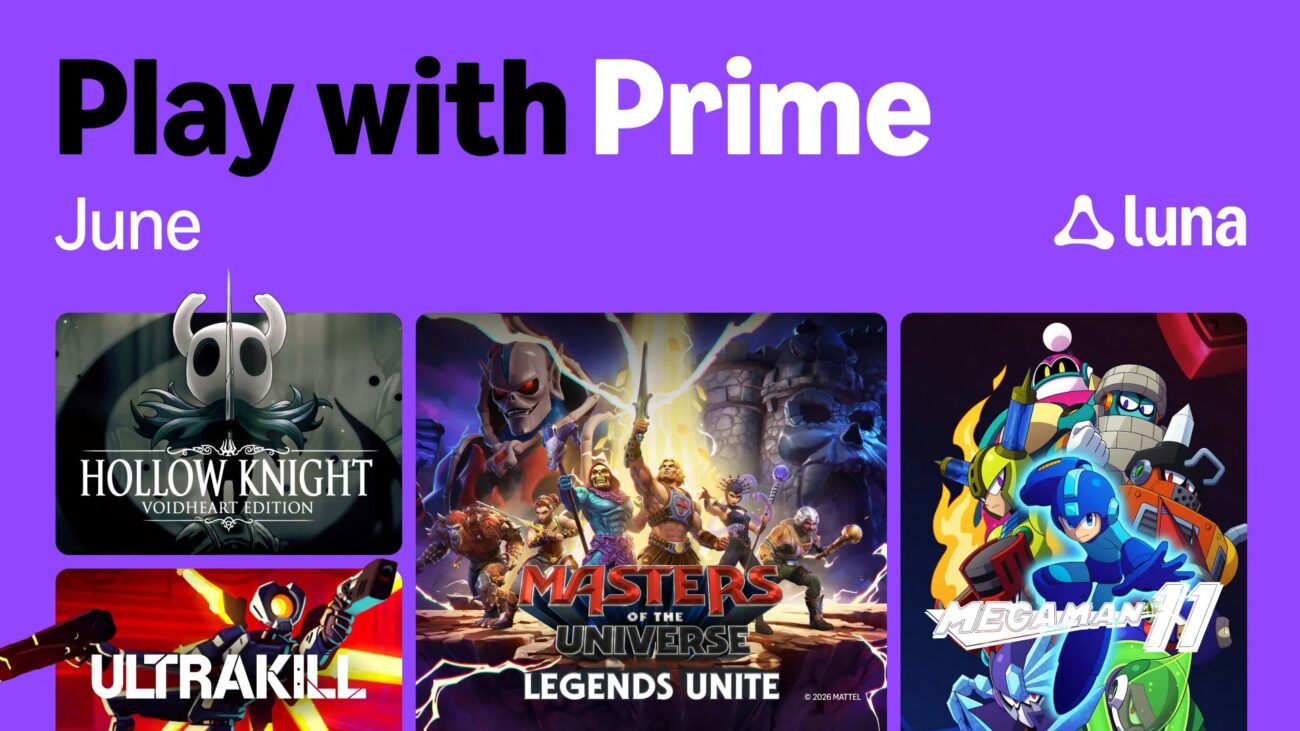
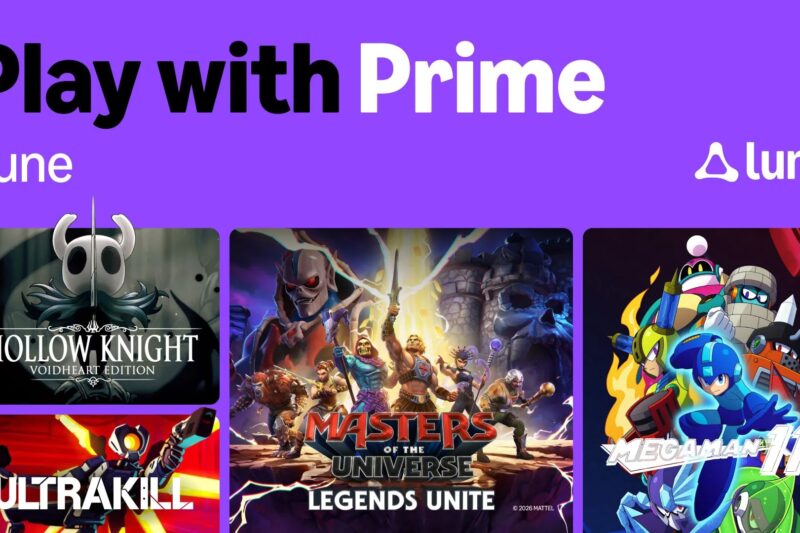
Amazon Luna uses a channel subscription model where you pay for different game collections separately. The fragmentation confuses many users, though the Ubisoft+ integration provides value for fans of those franchises.
Blacknut focuses on family and casual gaming with curated content appropriate for all ages. Their five simultaneous streams per subscription suit households well, though serious gamers won’t find the AAA titles they’re seeking.
CloudMoon brings a fresh perspective with competitive pricing and growing game support. The service emphasizes accessibility and ease of use, making it an interesting option for users exploring cloud gaming alternatives.
Is Cloud Gaming Worth It?
The value equation depends entirely on your situation and gaming habits. Let’s break down the actual costs versus alternatives.
Monthly Cost Analysis
Basic cloud gaming subscriptions start around $10 monthly. That’s $120 yearly, or $360 over three years. Premium tiers offering better performance run $20 to $25 monthly, which translates to $240 yearly, or $720 over three years.
Compare that to building or buying a gaming PC. A solid 1080p gaming computer costs $800 to $1200 currently. High-end systems pushing 4K with ray tracing run $1500 to $2500. Consoles sit at $400 to $500 for current generation hardware.
Over three years, even premium cloud gaming subscriptions cost less than buying gaming hardware. But that comparison ignores ownership. After three years, you own a PC worth something. Cancel a subscription and you have nothing tangible.
The Upgrade Cycle
Hardware depreciates and becomes outdated. A gaming PC from 2021 struggles with 2025 releases at high settings. Upgrading GPUs costs $300 to $800 depending on performance tier. Cloud gaming services upgrade their hardware automatically without charging users extra.
This matters if you care about playing new releases at maximum settings. Keeping a local PC current requires periodic component upgrades every few years. Cloud services handle that infrastructure investment while maintaining the same subscription price.
Selling Your Gaming PC
If you already own a gaming PC, selling it and switching to cloud gaming can be financially smart in certain scenarios. A well-maintained gaming rig from 2022 to 2023 might fetch $600 to $1000 depending on specs. That money covers years of cloud gaming subscriptions.
The decision depends on your gaming patterns though. Playing daily for hours? Local hardware might feel more responsive and reliable. Playing casually a few times weekly? Cloud gaming’s convenience and lower total cost make more sense.
Geographic location matters significantly here. If you’re near major data centers with fiber internet, cloud gaming works great. Rural areas with mediocre internet struggle regardless of how much you’re willing to pay.
What You Actually Get
Cloud gaming eliminates many annoyances of traditional gaming. No driver updates, no game patches eating hours, no storage management. Launch a game and play immediately. That convenience has real value beyond pure financial calculations.
But you lose things too. Modding communities thrive on local installations. Offline play requires internet connectivity. Service outages prevent gaming entirely. These trade-offs affect different users differently.
Frequently Asked Questions
Most services recommend 15 to 25 Mbps minimum for 1080p streaming. You’ll want 35 to 50 Mbps for 4K where available. However, connection stability matters as much as raw speed. Brief interruptions that wouldn’t affect video streaming cause noticeable issues in games.
Latency is actually more critical than bandwidth for gameplay feel. You want less than 30 to 40ms ping to the service’s servers. Test your connection to their data centers before subscribing if latency-sensitive games matter to you.
It depends on the game and your connection. Turn-based games or slower-paced multiplayer work fine. Fast-paced shooters and fighting games show the limitations more clearly. Some people handle the extra input delay fine, others find it unacceptable.
Many professional or highly competitive players stick with local hardware for this reason. Casual multiplayer remains perfectly enjoyable through cloud gaming though. Your tolerance for slight input delay determines whether it works for you.
That depends on the service. GeForce Now and Boosteroid stream games you already purchased on Steam, Epic, etc. You own those games regardless of the streaming service. Xbox Cloud Gaming and similar subscription services give access as long as you subscribe, but you don’t own the games (similar to Netflix).
Shadow PC lets you buy and install games normally since you’re just renting a computer. The ownership model varies significantly across services, so check before assuming either way.
You can’t play. Cloud gaming requires constant internet connectivity. Brief outages kick you from games immediately. This dependency is the biggest limitation compared to local gaming. If your internet reliability is questionable, cloud gaming becomes frustrating quickly.
Some services handle disconnections more gracefully than others. A few seconds of interruption might just cause stuttering rather than complete disconnection. But extended outages always prevent playing.
Probably not entirely, at least not soon. The technology keeps improving, but physics limits exist. Input delay will always be slightly higher than local hardware due to internet travel time. Some users will always prefer local gaming for that reason.
However, cloud gaming will likely capture casual and mainstream gaming increasingly. People who don’t need cutting-edge performance or care deeply about input lag find the convenience and cost compelling. The market is big enough for both approaches to coexist.